
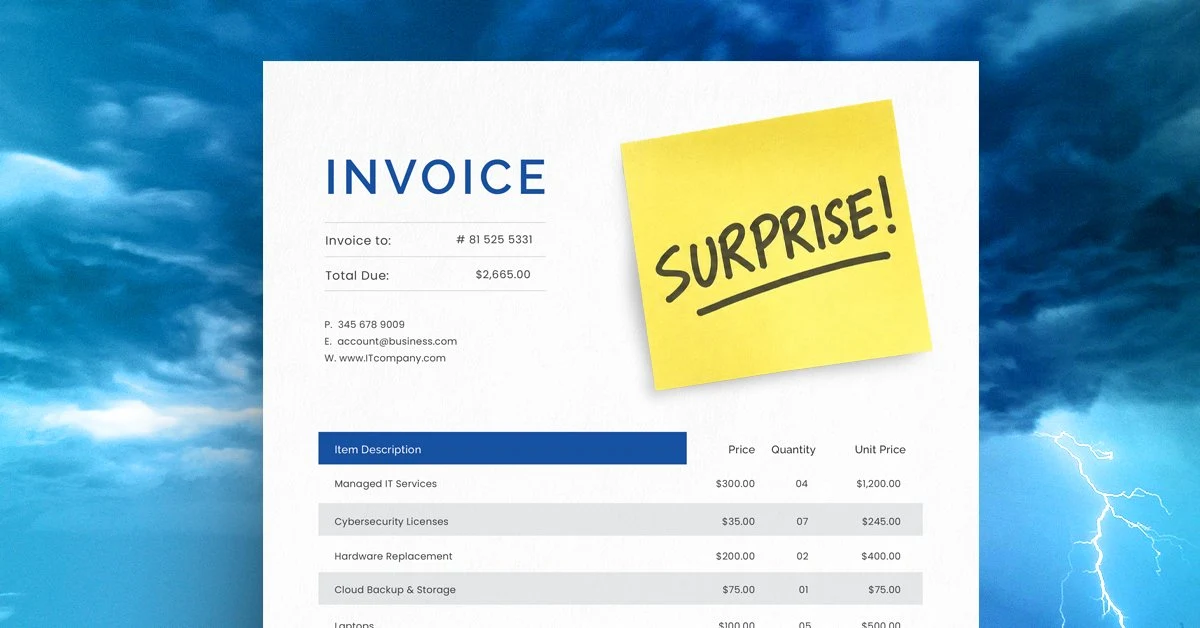
Surprise technology expenses are almost always predictable months before an invoice arrives. If yours keep showing up unannounced, the problem usually isn’t bad luck. It’s one of four budgeting habits that turn foreseeable costs into expensive fire drills.
It’s easy to feel good about your IT budget in January. Everything’s approved, the numbers make sense, and you have a clear picture of what the next 12 months should look like.
Then it’s summer. Four laptops have failed, new employees have pushed up your storage costs, and somehow all of your software renewals went up 20% even though you didn’t add anything new.
“Why didn’t we know about this?”
It’s one of the hardest questions to get as an IT provider. At Southwest Networks, the honest answer we give is usually: you did know. Or you should have. The information was there. It just wasn’t being tracked.
1. You Budget by Looking in the Rearview Mirror
The easiest budgeting approach is also the most mistake-prone: look at what you spent last year and assume next year will cost about the same. Past spending can be a useful starting point, but that’s not forecasting.
Last year’s numbers tell you where you’ve been, not where you’re going. They don’t account for aging equipment that’s one bad Monday away from dying, new hires that haven’t been hired yet, or renewals that have quietly crept up. Before you finalize anything, look at what your business actually needs in the months ahead. Once you have that picture, you can build a budget around what’s coming instead of what already happened.
A simple way to start: pull a list of every device in the office and note the purchase date. Anything over four years old should be flagged as a near-term replacement candidate, not a guarantee that it will fail, but a realistic planning assumption. Same goes for any software contracts. Pull the renewal dates and stack them on a calendar. If six of them cluster in Q1, that’s a cash flow issue you can see coming.
Signs your IT budget is backward-looking:
- You copy last year’s numbers into this year’s spreadsheet with minor adjustments
- No one has reviewed device ages or service contract dates in the past 12 months
- Software renewals show up as surprises rather than scheduled line items
- Growth plans from leadership haven’t been factored into technology costs
2. “It Still Works” Is Your Replacement Strategy
There’s always one computer. It’s loud, the battery dies if it’s unplugged for more than 20 minutes, and even basic programs stall when you open them. The person stuck with it has built workarounds. They keep it plugged in. They restart it twice before a meeting. They’ve learned to live with it.
“It still works,” they say.
That’s a very low bar for something required to get any actual work done. There’s also a productivity cost that never shows up on a budget line: the hours spent waiting, restarting, and working around a machine that’s barely functional. When computers like that finally give out, what could have been a planned purchase becomes a scramble to get someone back online as fast as possible. That kind of speed costs more than a normal replacement ever would have, and it usually comes at the worst possible time.
Most IT professionals recommend a four-to-five year replacement cycle for business computers, adjusted for how hard a machine is used. A laptop that travels constantly ages faster than a desktop that sits on a desk all day. Tracking purchase dates and building replacement costs into the budget annually, even as a small line item, smooths out what would otherwise be a painful lump-sum expense.
The goal isn’t to replace equipment before it needs replacing. It’s to replace it on your schedule, not its schedule.
3. You Treat Renewals Like Autopilot
Auto-renewal is built into nearly every recurring cost these days. That’s convenient right up until it isn’t. Subscriptions keep billing long after you meant to cancel them, and if nobody’s reviewing them, you may not notice for months. According to CompTIA, untracked and underused software is one of the most consistent sources of avoidable IT spending for small and mid-sized businesses.
Put renewal reminders on the calendar and look at each one before it auto-renews. It’s worth 20 minutes. You might find you’re still paying for a cloud storage account that belongs to someone who left two years ago, or a tool that three people used once during a project that wrapped up last spring.
This isn’t a rare situation. Most businesses that do a full audit of their software subscriptions find at least one or two they had forgotten about entirely. Running that audit annually, and assigning someone specific to own it, is one of the lowest-effort, highest-return budget habits a small business can build.
4. Your Growth Plan and Your IT Budget Have Never Met
One week in December, leadership sits down to plan where the company is going next year. The week after, IT sits down to plan what technology will cost. These two conversations happen in separate rooms and the costs meet later, on an invoice, at the worst possible time.
New employees, expansion, remote and hybrid schedules: all of it comes with technology costs and security considerations that need to be planned for, not discovered after the fact. Each new hire typically requires a device, a software license, an email account, and some level of security configuration. If you’re planning to add 10 people next year, that’s a real number that should be in your IT budget before January, not after.
When business planning and IT planning happen together, you can estimate what’s needed before the expense arrives instead of reacting to it after. It doesn’t have to be a formal process. Even a 30-minute conversation between whoever owns the business plan and whoever owns the IT budget, before either is finalized, can surface assumptions that would otherwise collide later.
Explore our managed IT services and planning support if you want a structured way to keep those conversations connected throughout the year.
A Good IT Budget Shouldn’t Have Surprises
When you can see replacements, renewals, security needs, and growth-related expenses ahead of time, you can build a budget that actually reflects where your business is going. No scrambling, no “why didn’t we know about this.”
The right IT budget won’t predict the future. But it gives you far fewer chances to say you didn’t see something coming.
Want a clearer picture of what your technology expenses could look like next year? Schedule a discovery call and we’ll help you identify what may be on the horizon.
FAQ
Why do IT costs keep going up even when we don’t add anything new?
Software vendors routinely increase subscription prices at renewal, often 10 to 20% or more, without adding features you specifically requested. Cloud storage costs rise as your data grows. And aging hardware quietly becomes more expensive to support. Most of the increase isn’t random. It’s the compounding result of not reviewing costs before they renew and not planning for lifecycle replacements until something breaks.
How often should a small business review its IT budget?
At minimum, once a year before the budget is finalized. A better cadence is quarterly: a brief review of upcoming renewals, any new hires or departures that affect licensing, and whether any equipment is approaching replacement age. The annual review catches the big items. The quarterly check catches the drift.
What’s a reasonable technology refresh cycle for business computers?
Most IT professionals recommend four to five years for business computers, with some variation based on usage. A heavily used laptop carried to client sites every day may need replacement closer to three years. A desktop used primarily for email and document editing might last six. The key is tracking purchase dates and building replacement costs into the annual budget rather than waiting for failure.
How do I find subscriptions we’re paying for but not using?
Start with your credit card and bank statements for the past 12 months and flag every recurring charge. Then compare that list against the software your team actually uses day to day. Any subscription that can’t be matched to an active user or active project is a candidate for cancellation. Assign one person to own this review annually. It typically takes less than an hour and almost always surfaces something that should have been cancelled months ago.