
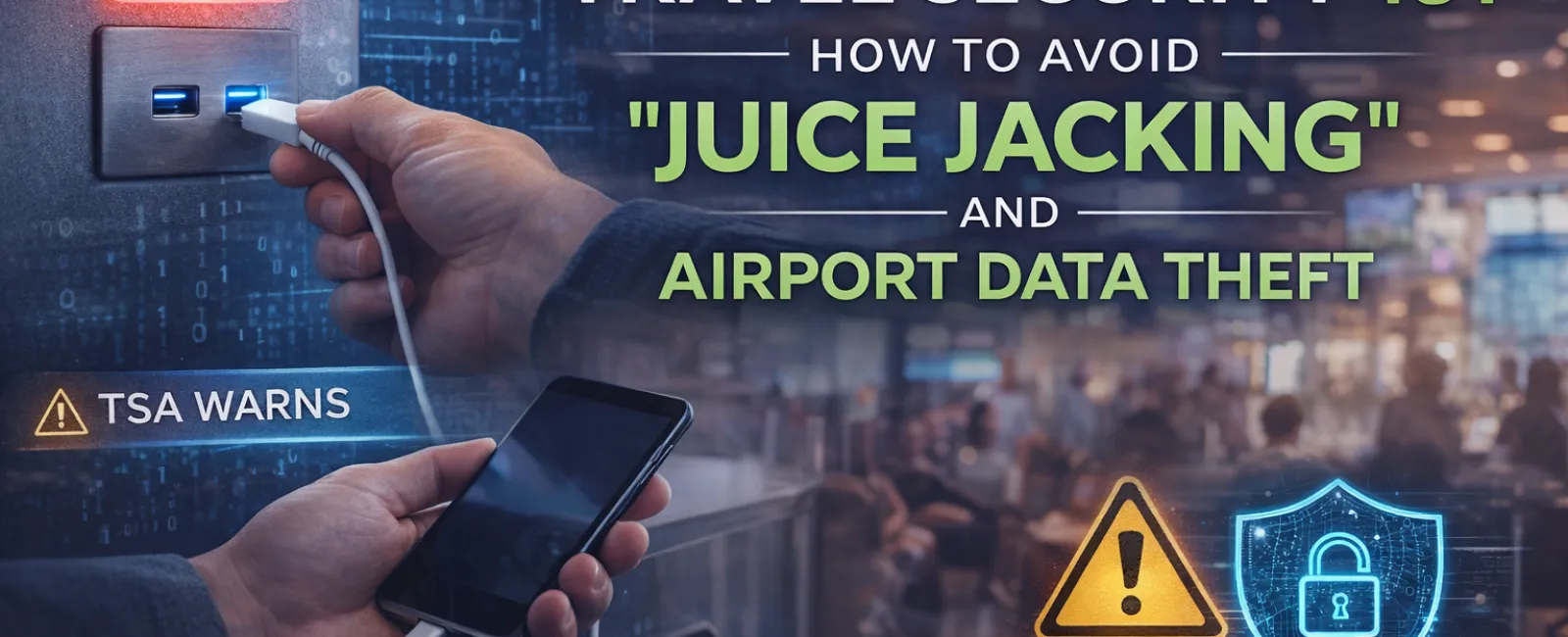
Travel Security 101: How to Avoid "Juice Jacking" and Airport Data Theft
Airports are built for convenience. Charging stations are everywhere. Free Wi-Fi is widely available. USB ports are built directly into seating areas. When your battery drops to 8% between flights, plugging in feels harmless.
But convenience can also create risk.
Modern cybercriminals are opportunistic. Airports are high-traffic environments filled with distracted travelers, open networks, and shared charging infrastructure. One of the fastest-growing travel threats is something called "juice jacking."
If you travel for business, understanding this risk is no longer optional.
The Convenience Trap at the Airport
Most of us have experienced it: your phone is nearly dead, your boarding pass is digital, and you still need to check email before boarding. You spot a public charging kiosk and plug in.
That simple action can expose your device.
Juice jacking occurs when a public USB charging station has been compromised. Instead of only supplying power, the port may contain hidden hardware capable of transferring data or issuing commands to your phone.
The Transportation Security Administration (TSA) has warned travelers about this exact threat. Rogue USB ports have been found in public charging stations, and compromised cables can be used to access devices.
When you plug into an unknown USB port, you are not just charging — you may also be establishing a data connection.
Understanding How "Juice Jacking" Works
A standard USB cable is capable of both power delivery and data transfer. When connected to a trusted device like your own computer, this is harmless. But when connected to an unknown public port, it can be dangerous.
If that port has been tampered with, it may:
-
Attempt to access files on your device
-
Install malicious software
-
Extract stored credentials
-
Trigger hidden commands
Many people assume their phone would alert them. In reality, sophisticated attacks can operate quietly.
The "Rubber Ducky" Attack
Another variation of USB-based attacks involves devices that mimic keyboards. Often referred to as "Rubber Ducky" attacks, these USB devices are programmed to execute commands immediately upon connection.
Because your computer or device recognizes it as a keyboard, it may automatically accept commands — without your awareness.
The lesson is simple:
Be cautious of any unknown USB port or "found" USB drive.
If you didn't bring it, don't plug it in.
The Hidden Risk of Public Wi-Fi
Charging stations aren't the only risk inside airports. Public Wi-Fi networks present their own dangers.
Wi-Fi Hijacking and Spoofing
Hackers can create fake networks that look legitimate. You may see two similar names:
-
"Airport_Free_WiFi"
-
"Airport Free Wi-Fi"
One is real. One is malicious.
If you connect to the spoofed network, attackers can intercept your data.
Even legitimate public Wi-Fi networks can be risky. If they are unsecured, other users on the same network may be able to observe traffic.
Without protection, sensitive activities like:
-
Logging into email
-
Accessing banking apps
-
Reviewing payroll information
-
Transferring financial data
can potentially be exposed.
For businesses that rely on secure connectivity, this is especially important. Organizations investing in solutions like Cybersecurity Services or secure remote access policies should extend those protections to traveling employees as well.
Your Travel Protection Toolkit
Travel security doesn't require advanced technical knowledge. It requires preparation.
Here are practical steps every traveler should follow.
1. Use a VPN (Virtual Private Network)
A VPN encrypts your internet connection. That means even if someone intercepts your data, it appears as unreadable "gibberish."
Think of it like placing your information inside a locked tunnel.
When connected to airport or hotel Wi-Fi, always activate your VPN before accessing email, cloud storage, financial accounts, or business systems.
If your organization already uses Network Security Solutions confirm that remote access policies include VPN enforcement for travel.
2. Bring Your Own "Known Good" Charging Gear
Always pack:
-
Your original charging cable
-
Your original power adapter
These are known, trusted devices.
Do not rely on borrowed cables. Avoid "free" USB cables left at charging stations. Malicious cables exist that look identical to legitimate ones but contain embedded attack hardware.
Keeping your own gear eliminates that uncertainty.
3. Use Wall Outlets Instead of USB Ports
If you need to charge in an airport:
Use a standard electrical outlet.
Plug your own wall adapter directly into the outlet.
Avoid plugging your cable into public USB charging hubs. A wall outlet provides electricity only — not a data connection.
This single habit dramatically reduces risk.
4. Disable Automatic Data Transfer Prompts
On many smartphones, you can adjust settings so the device does not automatically allow data transfer when connected via USB.
If prompted with:
"Trust This Computer?"
The safest answer at an airport is:
"No."
5. Avoid Sensitive Transactions on Public Networks
Even with a VPN, limit highly sensitive actions on public Wi-Fi when possible.
If you must complete financial transfers, payroll approvals, or access secure internal systems, consider using your mobile hotspot instead.
For businesses in regions like Palm Springs IT Support or other travel-heavy areas, educating staff on secure travel practices should be part of your broader cybersecurity training program.
Why This Matters for Businesses
Business travelers often carry more than personal data.
They carry:
-
Corporate email access
-
Cloud platform credentials
-
Payroll systems
-
Customer databases
-
Intellectual property
A single compromised device can become a gateway into an entire company network.
That's why cybersecurity isn't just about office firewalls or server protections. It extends to employee behavior and awareness.
Companies that already prioritize Managed IT Services should ensure travel security training is part of onboarding and recurring education.
The weakest point in most security systems isn't software — it's human convenience.
Staying Aware on the Move
Airports are busy. Travel is stressful. Low battery warnings are inconvenient.
Attackers understand that.
Juice jacking and public Wi-Fi attacks rely on urgency and distraction. The more rushed you are, the more likely you are to plug in without thinking.
The solution is not paranoia.
It's preparation.
Before your next trip:
-
Pack your charger
-
Install and test your VPN
-
Confirm your device security settings
-
Avoid unknown USB ports
-
Use wall outlets
-
Verify Wi-Fi network names
Cyber safety while traveling comes down to awareness.
The question isn't whether airports are risky.
The question is whether you're prepared when convenience meets opportunity.
Stay alert. Stay protected. And never assume that a charging station is just a charging station.


